
Core Web Vitals for business websites: what the three numbers mean
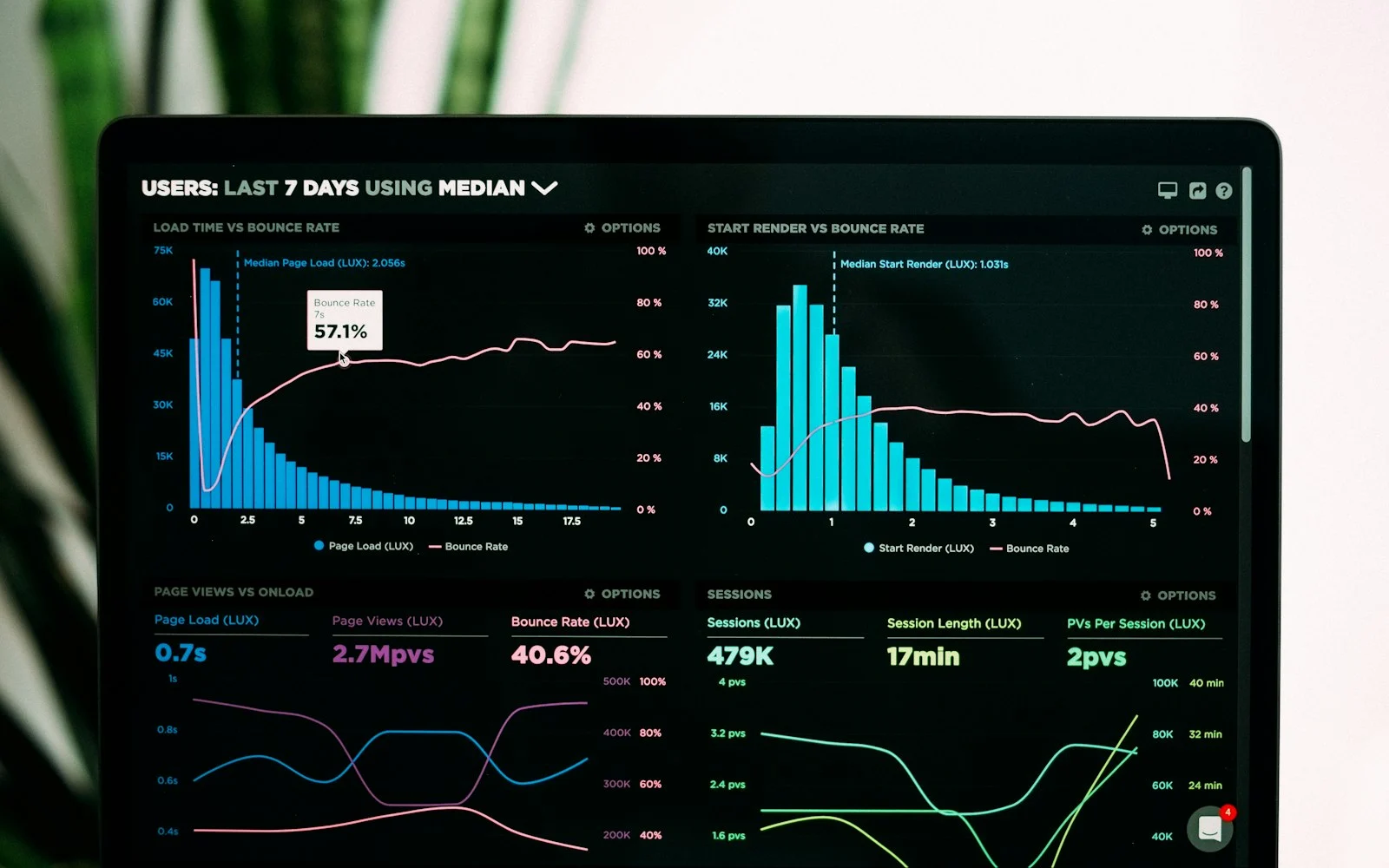
Core Web Vitals are three measurements Google uses to describe how a page feels to real visitors: how fast the main content appears (LCP), how quickly the page responds to taps and clicks (INP), and how much the layout jumps around while loading (CLS).
The three thresholds
- Largest Contentful Paint (LCP): good at 2.5 seconds or less.
- Interaction to Next Paint (INP): good at 200 milliseconds or less. INP replaced First Input Delay in March 2024.
- Cumulative Layout Shift (CLS): good at 0.1 or less.
Google judges these at the 75th percentile of real visits, so a page passes only when most visitors, including those on slower phones, get a good experience.
Fixes that usually help most
- Serve real HTML from the server instead of building the page in the browser.
- Resize and compress images, and give every image a width and height so nothing jumps.
- Load chat widgets, trackers and heavy scripts after the page is usable.
- Host close to your visitors, for example on an edge network.
How to check your own site
Open PageSpeed Insights, enter your URL and look at the field data section first. That is what real Chrome users experienced. The lab score below it is useful for debugging, but the field data is what counts.